* Hover mouse over the icon, There will be a layer that shows specific information. Click on the icon, A table will appear on the bottom to display specific information.
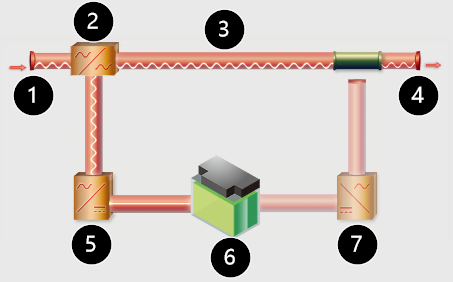
UPS Mimic Diagram
① :Input
② :AVR
③ :Bypass
④ :Output
⑤ :Rectifier
⑥ :Battery
⑦ :Inverter
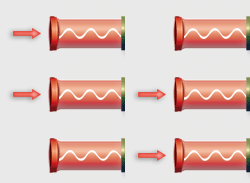
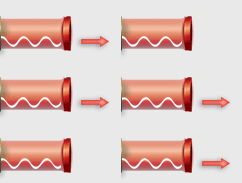
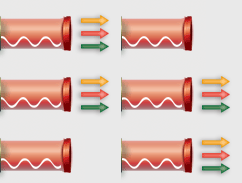
One Phase Input/Output
Single-phase Input, AC Normal
UPS Load: 20% ~ 80%
UPS Load: ≥ 80%
UPS Load: ≤ 20%
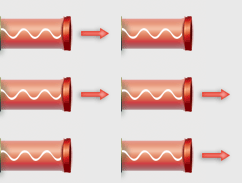
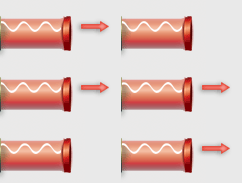
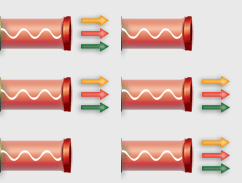
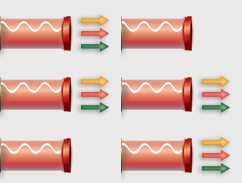
Three Phase Input/Output
Three-phase Input, AC Normal
UPS Load: 20% ~ 80% [left]:1 out [right]: 3 out
UPS Load: ≥ 80% [left]:1 out [right]: 3 out
UPS Load: ≤ 20% [left]:1 out [right]: 3 out
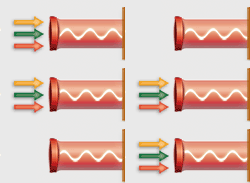
AVR
Normal Mode
Boost / Buck Mode
Rectifier/Inverter
Rectifier
Inverter
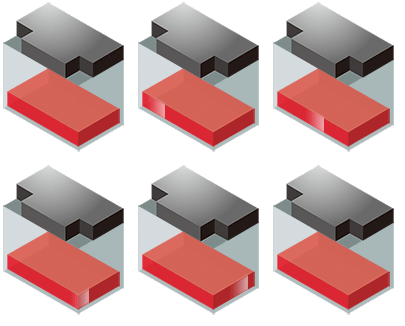
Battery
UPS Capacity: 0% ~ 10%
UPS Capacity: 10% ~ 90%
UPS Capacity: ≥ 90%
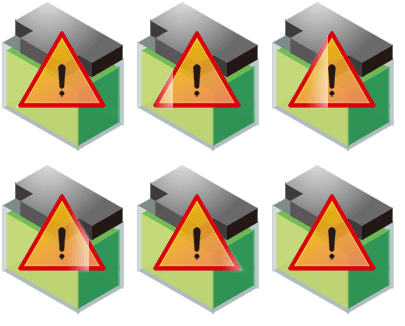
Battery Fail
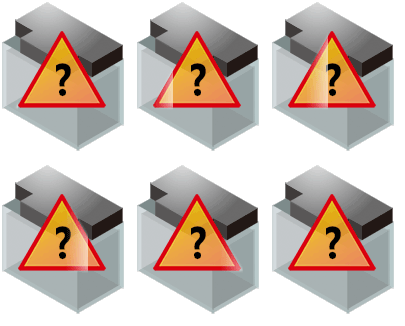
Battery Unknown
With certain protocols, this tab displays "Alarm Status". Items in red text or with a red background indicate an alarm.


 : NetAgent Cloud Çevrimiçi
 : NetAgent Cloud Çevrim Disi
 : NetAgent Cloud Ayarlarina Git
 : Geçerli Kullanici
 : Oturumu Kapat